







For dealerships, dealer groups and their agencies

Design your banners once. Every offer after that builds itself.

DealerMaker turns the month's offer sheet into finished banners in every size your website and ads use. Your logo, your fonts, your fine print, the right carmaker badge. No more proof rounds, and no offers going live a week late.

No card needed. We set up your account with you.

See the idea in about a minute

Template · Kestrel Chevrolet

Year{{year}}
2026
Model{{model}}
Equinox LT
Monthly payment{{payment}}
349
Months{{term}}
36
Due at signing{{due}}
3,499
Miles per year{{miles}}
10,000
Year{{year}}
2026
Model{{model}}
Colorado Z71
APR{{apr}}
2.9
Months{{term}}
60
Lender{{lender}}
GM Financial
Year{{year}}
2026
Model{{model}}
Trax
Cash back{{cash}}
1,000
Program{{program}}
Chevy Bonus Cash
Year{{year}}
2026
Model{{model}}
Silverado 1500 LT Trail Boss
Discount{{discount}}
7,500
MSRP{{msrp}}
62,695

Logo, colors, badge and fine print come from the store's brand kit.

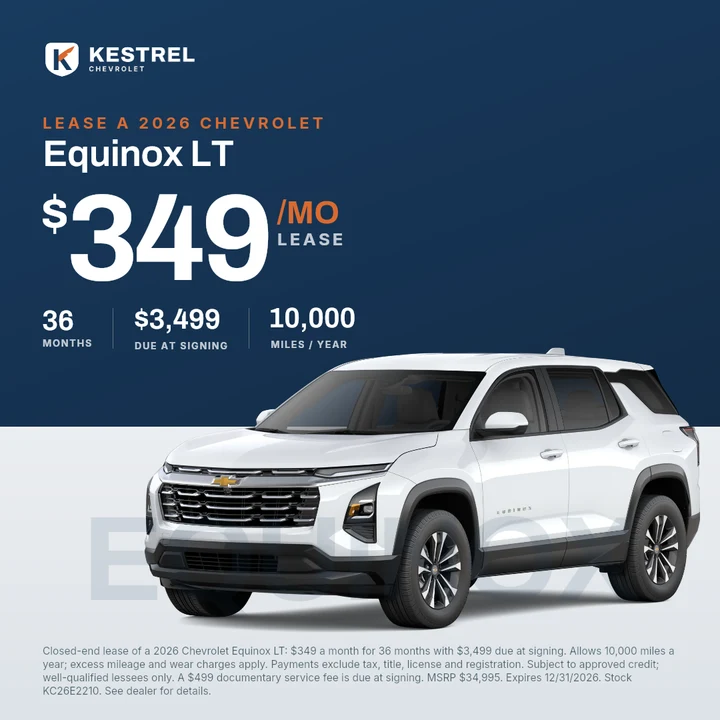
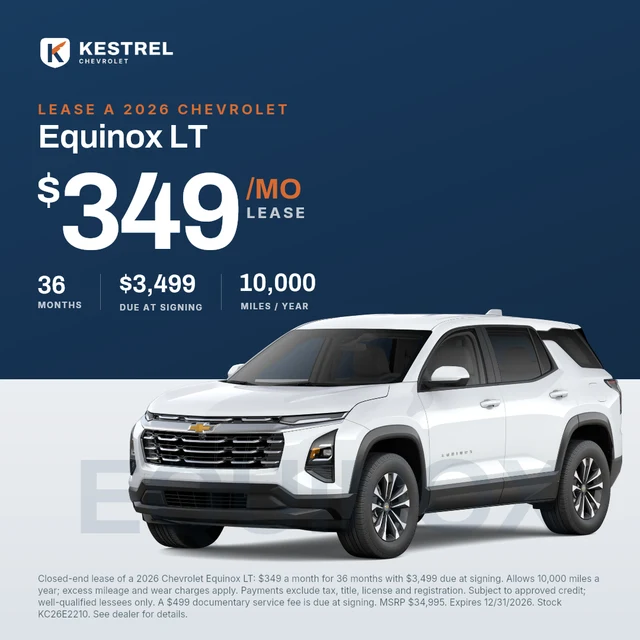
A Kestrel Chevrolet lease banner, 1080 by 1080
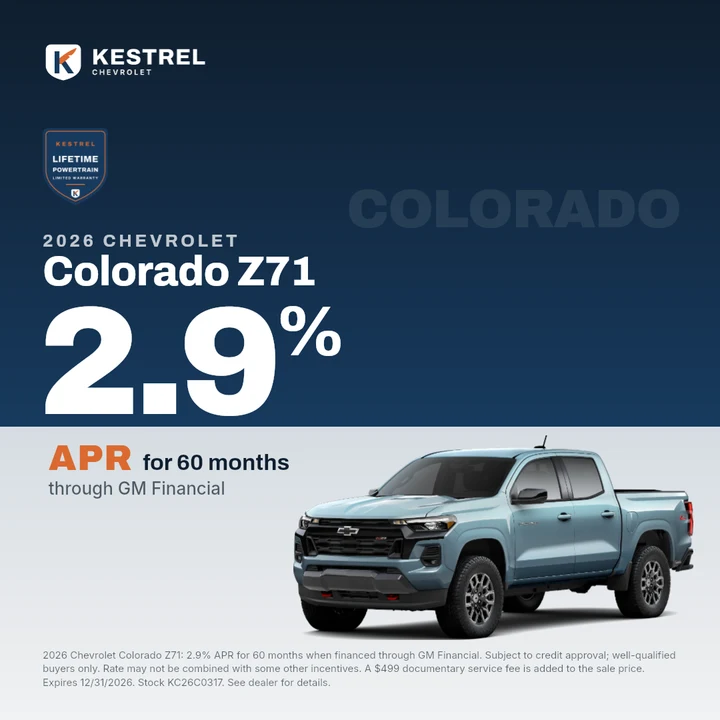
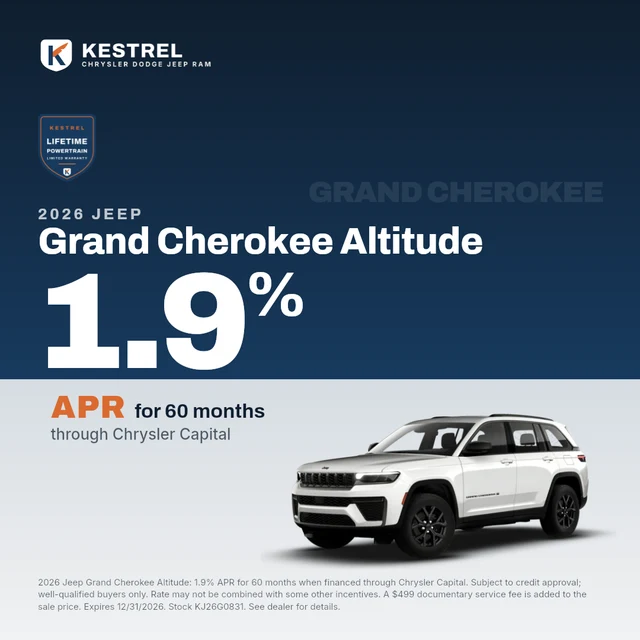
A Kestrel Chevrolet apr banner, 1080 by 1080
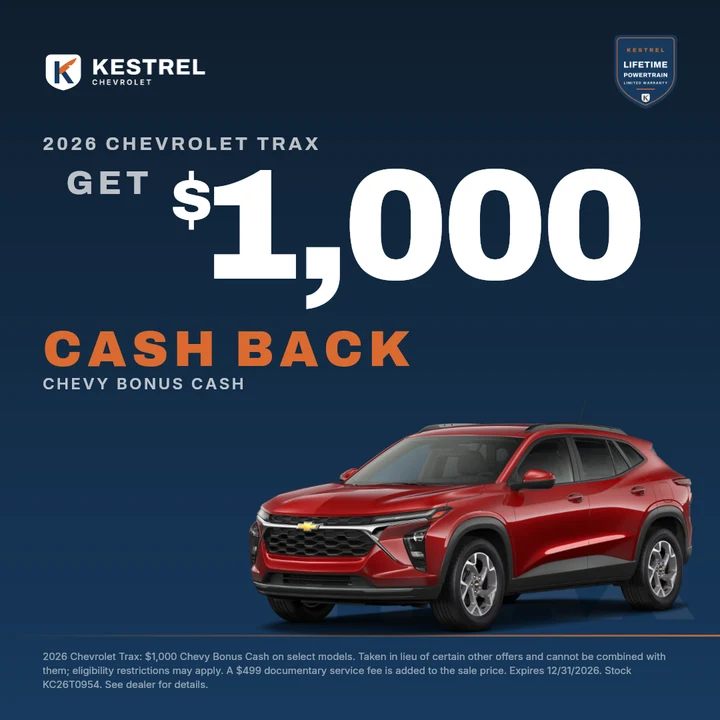
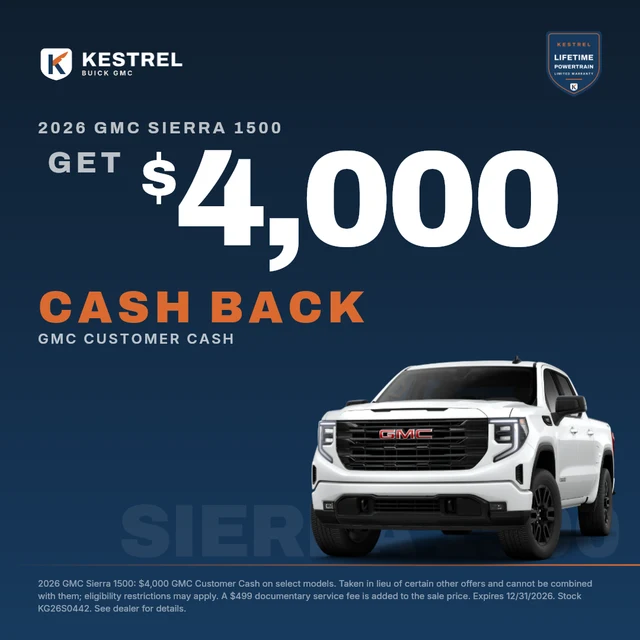
A Kestrel Chevrolet cash back banner, 1080 by 1080
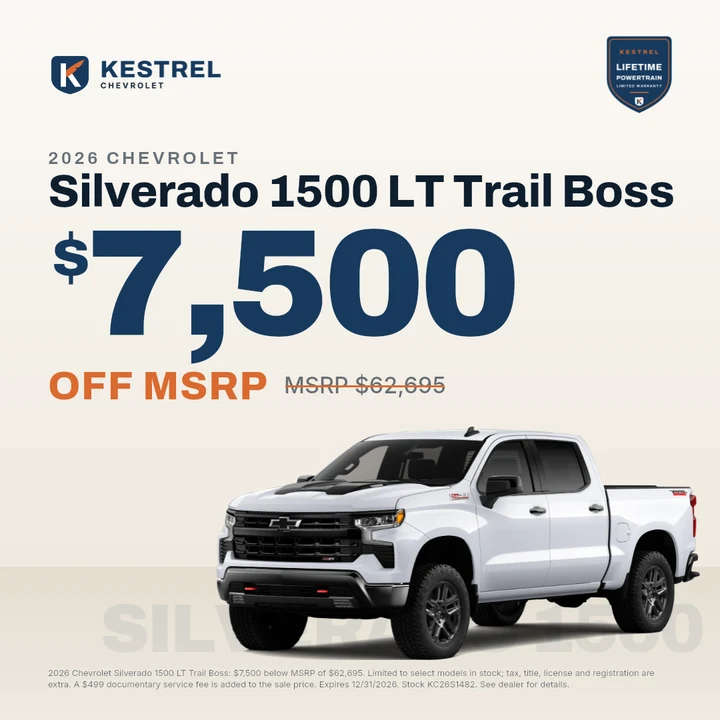
A Kestrel Chevrolet $ off msrp banner, 1080 by 1080
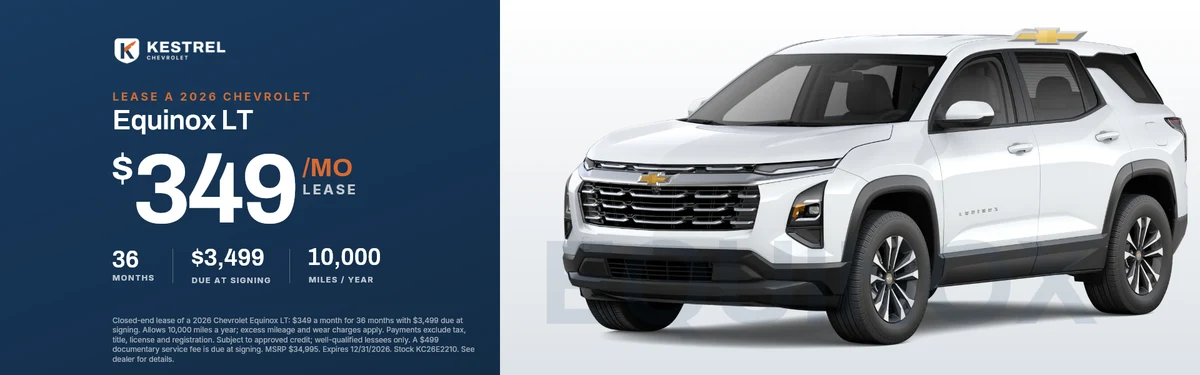
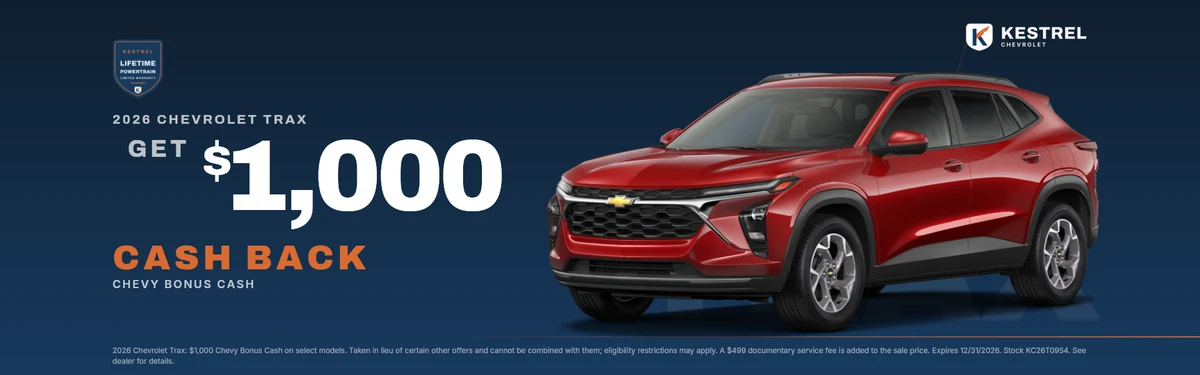
The same offer as a 1920 by 600 website banner
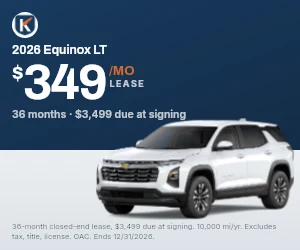
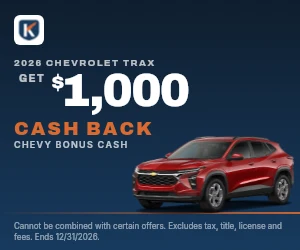
The same offer as a 728 by 90 leaderboardThe same offer as a 300 by 250 rectangle
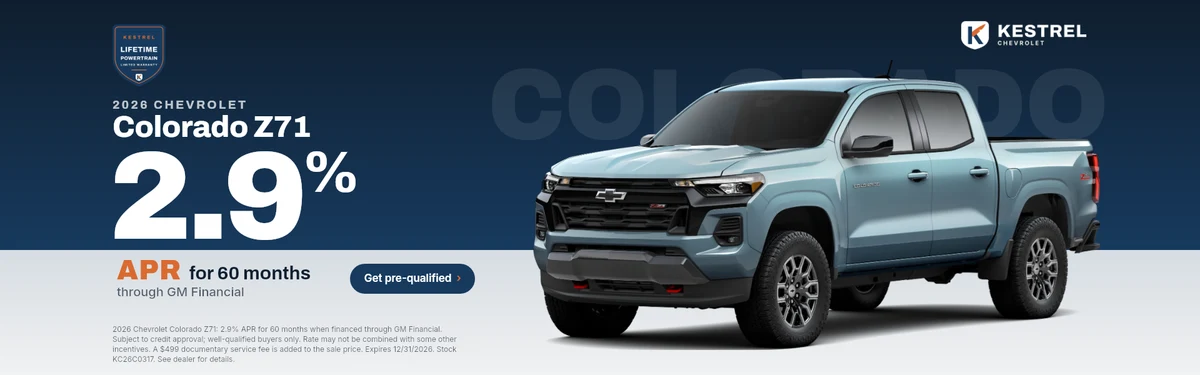
The same offer as a 1920 by 600 website banner
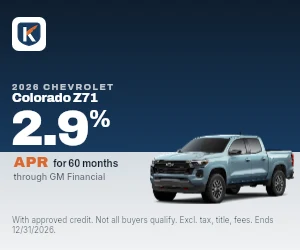
The same offer as a 728 by 90 leaderboardThe same offer as a 300 by 250 rectangle
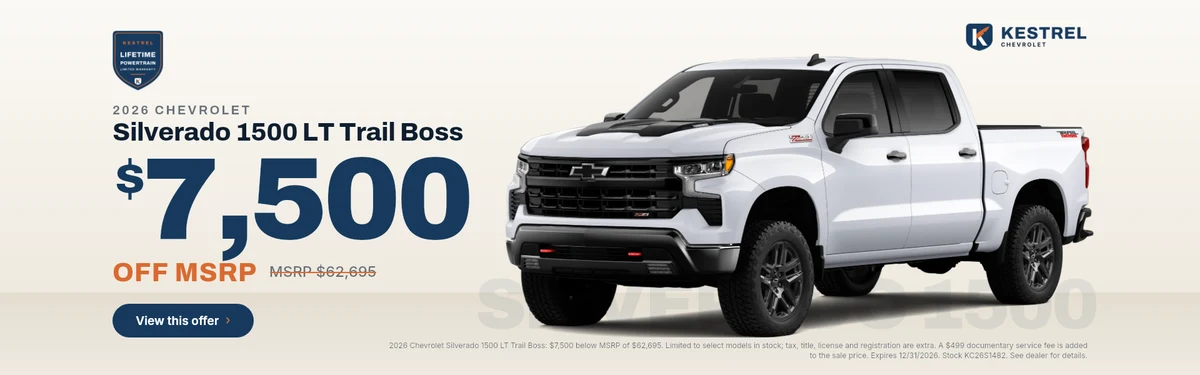
The same offer as a 1920 by 600 website banner
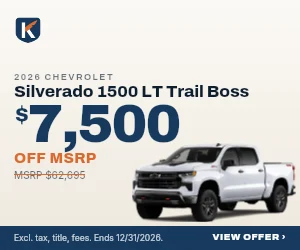
The same offer as a 728 by 90 leaderboardThe same offer as a 300 by 250 rectangle
The same offer as a 1920 by 600 website banner
The same offer as a 728 by 90 leaderboardThe same offer as a 300 by 250 rectangle

Same offer, three of the sizes this store runs. Real renders from a demo store.

Still emailing offer sheets and waiting on proofs?

Most stores know this week by heart. The offers are right on the sheet and wrong on the banner, and the month is already moving.

The usual way

  1. Day 1The offer sheet goes out by email.
  2. Day 3Proofs come back. The Tahoe price is wrong and the APR lost its decimals.
  3. Day 4Corrections, another round, and a size nobody asked for is missing.
  4. Day 6Banners go live a week into the month. Then the desk changes a price.

With DealerMaker

  1. MorningOffers go in once, straight from the sheet, or from a link the GM fills in.
  2. Minutes laterEvery size is drawn from your own designs, with the fine print written from the offer.
  3. Before lunchApproved from a link and ready to upload. A price change is one edit, redrawn in minutes.

The idea, in about a minute.

The first of the month, minus the scramble.

A typical morning for a marketing manager with DealerMaker. Nothing here waits on a designer.

  1. 8:45 am

    The offer sheet lands.

    Enter each offer in a guided form, or text your GM a link and let them do it from their phone. No login, no spreadsheet, no email chain.

    DealerMaker: the offer link, which needs no login, on a demo store
  2. 9:20 am

    The desk changes the Equinox payment.

    Change one number. Every size of that banner redraws from the same design, with the fine print rebuilt to match.

    DealerMaker: editing an offer, on a demo store
  3. 10:05 am

    Every banner, every size, on screen.

    Preview every offer in every size before anything is generated. Then one click draws them all, named the way your website wants them.

    DealerMaker: every size of every offer, before anything is generated, on a demo store
  4. 10:30 am

    Approved from the parking lot.

    A review link lets the GM approve, ask for a change or download the lot. No password, and it expires when you say.

    DealerMaker: the review link, approved, on a demo store

The template editor is where your brand gets built in, once.

A template is a banner that knows which parts change. You set it up for each size, and from then on every offer, every month, lands in it correctly.

The DealerMaker template editor: a lease banner on the canvas, its payment selected, with the field it reads from and its settings beside it

The real editor, on a demo store. The payment on the canvas is the field {{payment}}; every offer puts its own number there.

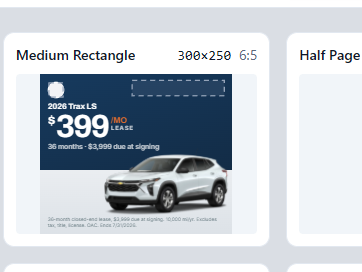
  1. One size in the editor's overview of every size, the 300 by 250 medium rectangle, laid out for its own shape

    Lay it out once per size.

    A 160 x 600 skyscraper and a 1920 x 600 slider are each arranged for their own shape, and stay tied to the same design. Copy a size to start the next one.

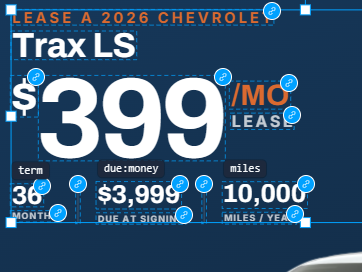
  2. The editor labeling each part of a banner with the offer field it reads: term, due at signing, miles

    Mark what changes.

    The model, the payment, the rate and the end date become fields. The logo and the warranty badge become slots each store fills with its own files.

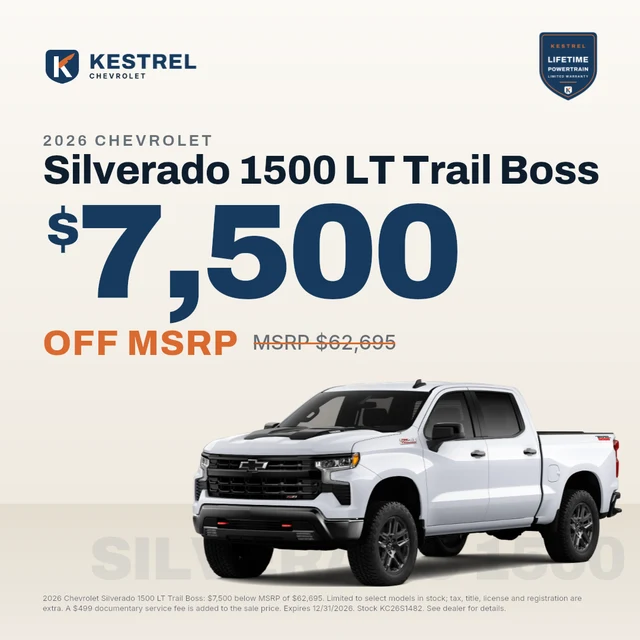
  3. A finished price drop banner

    Let the rules hold it together.

    A row closes up when a badge is missing. A long model name shrinks to fit one line. Fine print that can't fit stops the render instead of shipping cut off.

Every store gets its own look.

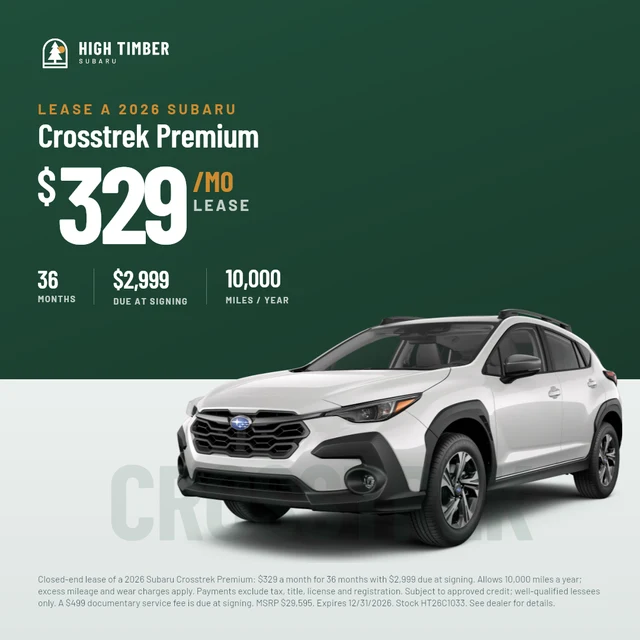
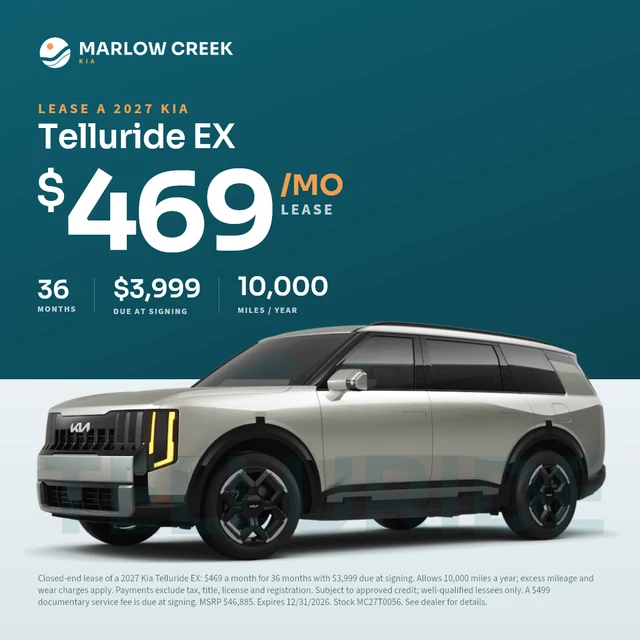
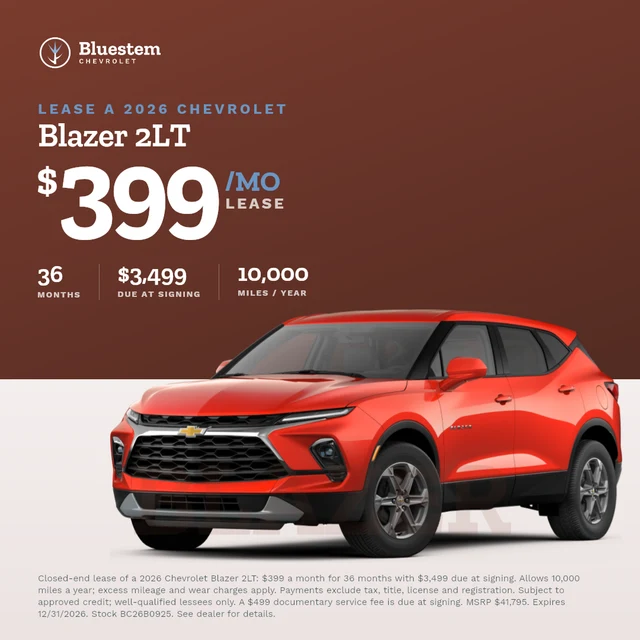
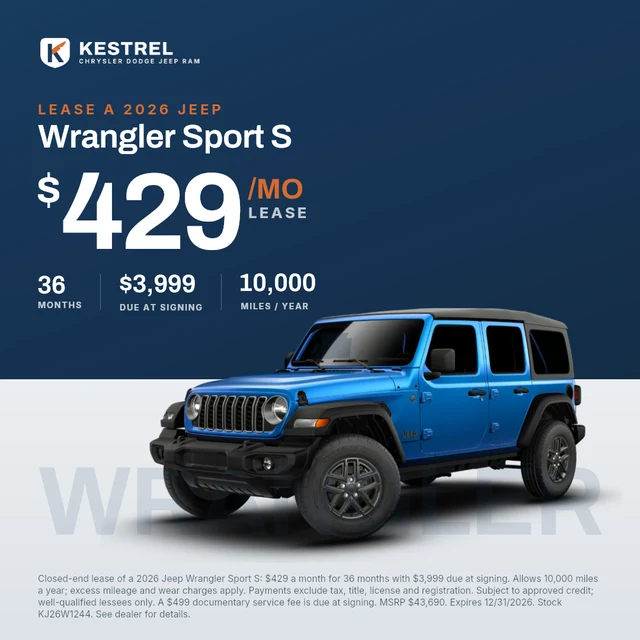
Give each rooftop designs of its own, built around its brand kit: colors, fonts, logos and its own disclaimer wording. The offers fill in the same way no matter what the design looks like.

  • A price drop banner for Kestrel Chevrolet, a demo store

    Kestrel ChevroletPrice drop

  • A sale tag banner for High Timber Subaru, a demo store

    High Timber SubaruSale tag

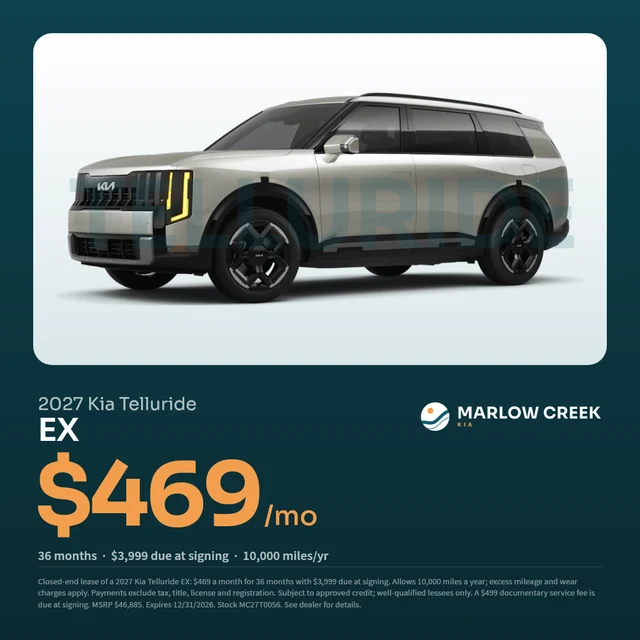
  • A lease card banner for Marlow Creek Kia, a demo store

    Marlow Creek KiaLease card

  • A finance rate banner for Kestrel Chrysler Dodge Jeep Ram, a demo store

    Kestrel Chrysler Dodge Jeep RamFinance rate

  • A cash back banner for Kestrel Buick GMC, a demo store

    Kestrel Buick GMCCash back

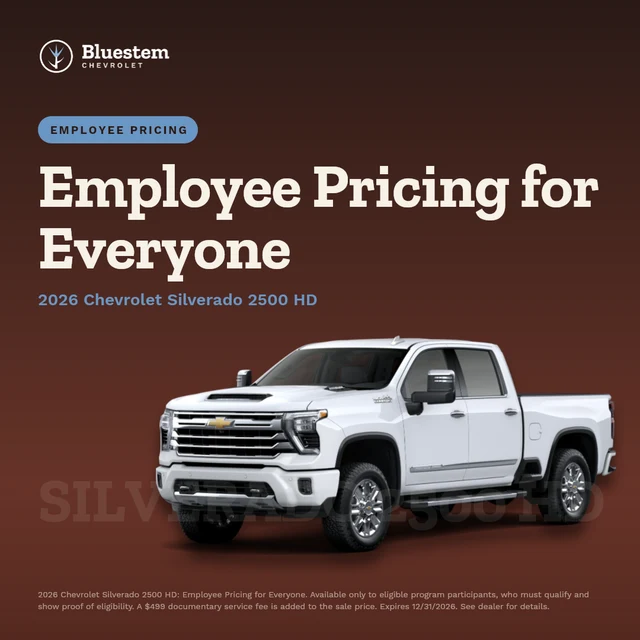
  • A employee pricing banner for Bluestem Chevrolet, a demo store

    Bluestem ChevroletEmployee pricing

All banners here are real renders for fictional demo stores.

Real photography, when you want it.

Not every ad should be a car on a plain background. Build designs around lifestyle and interior shots, and the offer still fills in the same way, set where it reads.

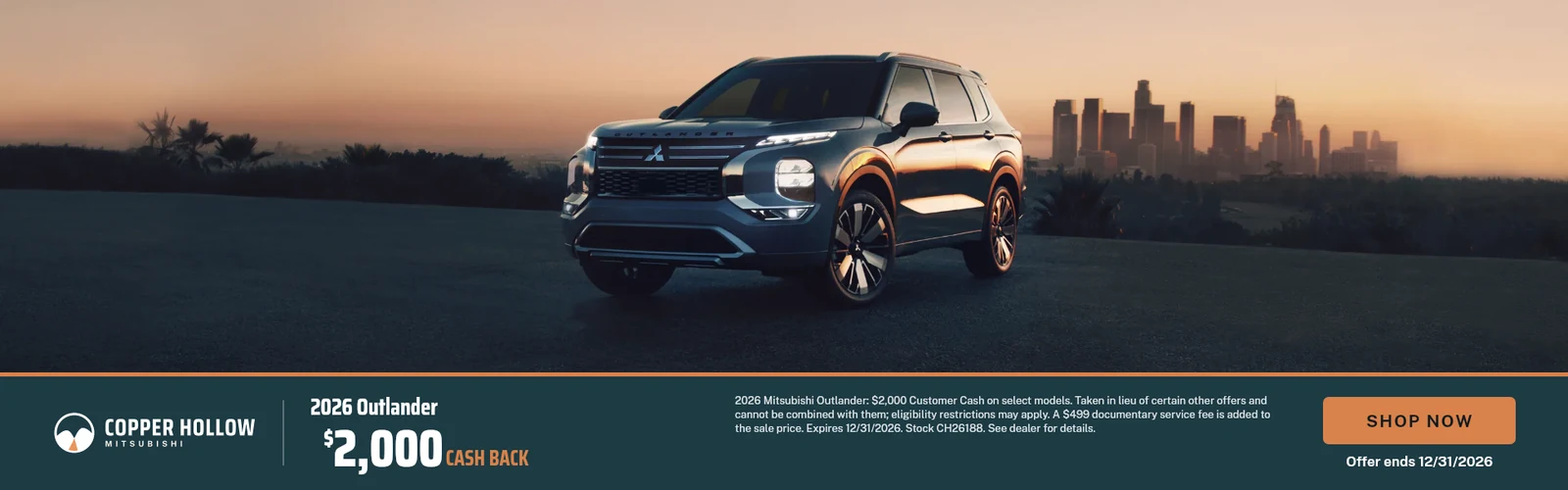
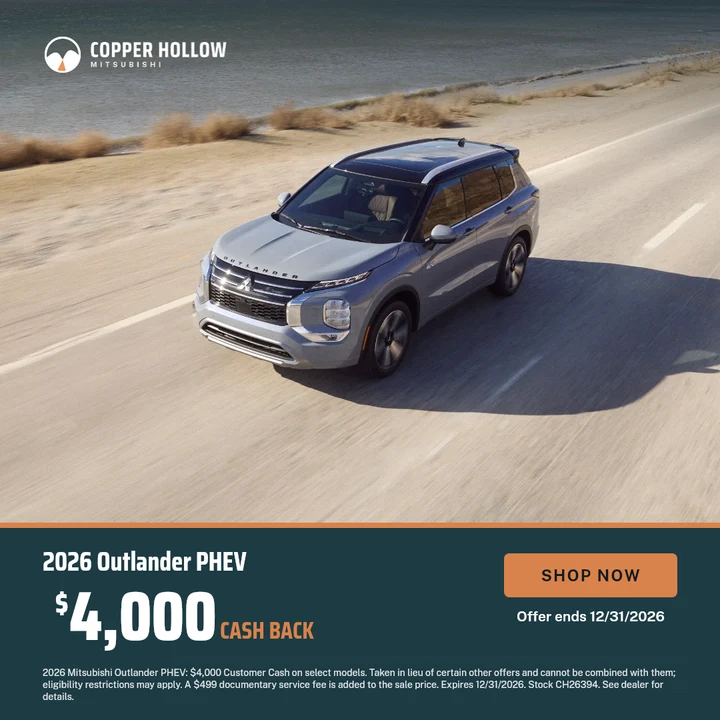
A cash back banner over a dusk photo of the Outlander, for Copper Hollow Mitsubishi, a demo storeA lease banner over a photo of the Outlander on a forest roadA sale price banner with a city photo of the Eclipse Cross above a brand panelA cash back banner over a photo of the Outlander PHEV on a coastal roadAn APR banner set over an interior photo of the Outlander PHEV

Copper Hollow Mitsubishi is a fictional demo store. Photos from the image library.

Your disclaimer, every time. In your words.

The fine print is the part that gets a store in trouble. So you decide exactly what it says, and DealerMaker puts all of it on every banner, or stops and tells you why.

DealerMaker doesn't write legal advice. Your team, or your compliance reviewer, owns the wording.

  • You write the wording once per offer type. Lease, APR, cash back, sale price, each with the language your store, your group, your state and your carmaker require.
  • Every detail your wording calls for, from the offer itself. Lender, term, due at signing, doc fee, stock number and end date are filled in from what was entered, so nothing is left off or typed twice.
  • Shown wherever you say, on every size. The design decides where the fine print sits. If it can't fit at its minimum size, the banner stops and tells you why instead of cutting it off.
  • Exactly as entered. If the carmaker wants 0.00% APR, the banner says 0.00%. A Jeep offer gets the Jeep lockup, even at a store that sells four brands.
You write it once. A store's wording for lease offers, in DealerMaker. The words in braces fill in from each offer.
The Disclaimers page in DealerMaker: the wording pattern for lease offers, with the offer values it fills in
It lands on every banner. The fine print on a Kestrel Chevrolet lease banner (a demo store), built from that wording and the offer.
Closed-end lease of a 2026 Chevrolet Equinox LT: $349 a month for 36 months with $3,499 due at signing, with the mileage, credit, fee, MSRP, end date and stock number filled in

Running more than one rooftop?

Dealer groups and the agencies behind them get one place for every store.

A design library for the group
Build a design once and send it to every store, or to the ones you pick.
The whole group on one screen
See what is running, what is waiting and what is late, store by store.
The right people, the right access
Group admins, producers and submitters, with per-person permissions and a log of who did what.
White-label portals for agencies
Each client gets its own address, login, name, colors and emails.
The whole-group dashboard for Kestrel Auto Group: offers waiting on production at each store, and every offer running across the group with its store named
The whole group on one screen: Kestrel Auto Group, a demo group of three stores.

The same offers, everywhere they need to be.

Website specials

Copy-ready heading, description and disclaimer for your Dealer.com specials, one click each.

Wording a person approves

Suggested specials wording, checked against the offer so no number changes, and always approved by your team before it is used.

Google Business Profile Coming soon

Post your offers to each store's Google profile, and edit or remove them later.

See the real app before you decide.

An 80-second tour: a month of offers, from the offer sheet to approved banners, in DealerMaker on a demo store.

Getting started takes a call, not a project.

  1. Tell us about your store.Pick a plan and send the short form. No card needed. We reply within one business day.
  2. A 30-minute setup call.We load your logo, colors, fonts, disclaimer wording and the sizes you run, with you.
  3. Your first month, done.Enter the offers, review every size, and download. Pay yearly and our team builds your first templates for you.

Pricing

Every plan has the full editor. Pay yearly on any plan and our team builds your first templates, from the banners you run today or your brand guide.

Group

For dealer groups with two or more rooftops.

$399 per rooftop, per month

Two rooftops or more

Everything in Rooftop, plus:

  • One design library, sent to the stores you choose
  • The whole group on one dashboard
  • Roles for group admins, producers and submitters
  • Per-person permissions, and see the app as any teammate does
  • Brand settings set once for the group, adjusted per store
  • A log of who changed what, and when

Done for you. Pay yearly and we build your first set of templates for you.

Start with Group

Agency

For agencies running dealer clients.

$1,990 per month

Includes five client rooftops

Everything in Group, plus:

  • A white-label portal for each client
  • Its own web address and branded sign-in
  • Its own app name, colors and emails

Done for you. Pay yearly and we build your first set of templates for every client brand you bring.

Start with Agency

Questions dealers ask.

Something else? Write to hello@dealermaker.com, or book a demo and ask us on the call.

Do we need a designer?

No. The editor is visual: you place text, photos and logos and mark what changes. If you pay yearly, our team builds your first templates for you, from the banners you run today or your brand guide.

How do offers get in?

Your team enters them in a guided form, or you send your GM a link that works on a phone with no login. Lease, APR, cash back, dollars or percent off, sale price, employee pricing, service specials and custom offers.

Does it work with our website?

DealerMaker draws banners in the sizes your website and ads use, and you download them as PNG, WebP or JPG, one at a time or as a ZIP, named the way your site wants. For Dealer.com it also writes copy-ready specials text.

Who writes the disclaimers?

You do, once per offer type, in your store's or your group's own wording. DealerMaker fills in the lender, term, fees, stock number and end date from each offer, so every banner carries all of it. We don't give legal advice; your team owns the wording.

Can we use our own photos?

Yes. Upload your own, or use the library of vehicle photos across most makes. Designs can use transparent vehicle cutouts or real photography.

We're an agency. Can our clients log in?

Yes. On the Agency plan each client gets its own portal, with its own address, name, colors, logo and emails, and their staff can submit offers and approve banners there.

Next month's offers could already be done.